

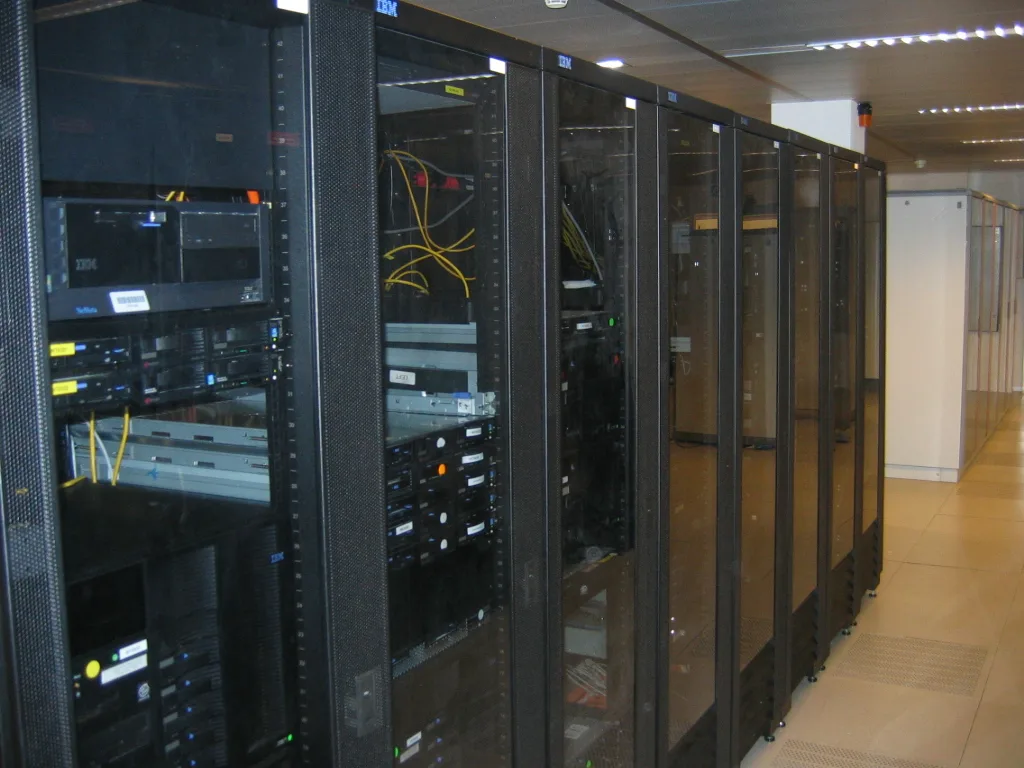
It is late, the shop is finally getting traffic, and the page hangs. Shared hosting has hit its ceiling again: slow loads, throttled CPU, and a neighbor’s script eating the same pool of resources. A virtual private server, or VPS, is the usual next step. The worry is downtime during the move. Downtime is not required if the new server is built and tested while the old site stays live.
Why Shared Hosting Starts to Fail, and What a VPS Changes
Shared hosting is like a crowded dorm: everyone shares the same capacity, so one noisy neighbor can slow the floor. Plans are fixed, control is limited, and spikes in traffic are where the strain shows. A VPS gives you your own CPU and RAM, root access, steadier performance during spikes, and a path to upgrade without waiting on a shared plan. If the site keeps slowing down under ordinary load, you have probably outgrown the shared box.
Choosing the new host carefully matters as much as the cutover itself. A practical look at how startups choose reliable web hosting is a useful check before you sign for the VPS, because a weak network or missing backups will follow you through the migration.
Build and Test the New Server Before You Touch DNS
Start with a full backup of files and the database. Write down domains, cron jobs, and email accounts, and note the PHP and database versions. Lower the DNS time-to-live to 300 seconds, 24 to 48 hours ahead, so the later address change can propagate quickly. Pick a VPS with equal or better specs than the current plan, install the stack (Nginx or Apache, PHP, and MySQL, or whatever you actually run), copy the files and database, and match versions and limits.
Before you change public DNS, point your own computer to the new VPS with a hosts-file entry and click through forms, logins, and checkout. Pick a quiet hour for the switch, do one last data sync, then update the address record. Everyone else keeps using the old server until that change lands.
The Traps That Cause the Apparent “Outage”
Most painful migrations fail on details that have little to do with the web files. Copy the mail exchanger records so email keeps flowing. Reinstall the TLS certificate on the new server. Recreate every cron job. Fix file permissions, which otherwise produce sudden errors. Confirm the PHP version, because a mismatch can break plugins. Pause orders or comments briefly before the final sync so new data is not left behind on the old host. On day one, set a firewall, SSH keys, and updates; the NIST Guide to General Server Security is a sensible baseline for that work.
Keep the old hosting account for about a week and watch uptime, speed, and error logs. Set automatic backups on the VPS from the start. If CPU or RAM stays maxed out after tuning, the next step may be a larger instance or a dedicated machine, but that decision can wait until the migrated site is stable. Build first, test twice, and change DNS only when the new server is actually answering.