

Conversational video editing works best when you change one thing per turn, protect the moment the client approved, and log what each version changed. Multi-turn tools such as Gemini Omni 1.2 Flash make revisions fast, which makes discipline about what you ask for more important, not less.
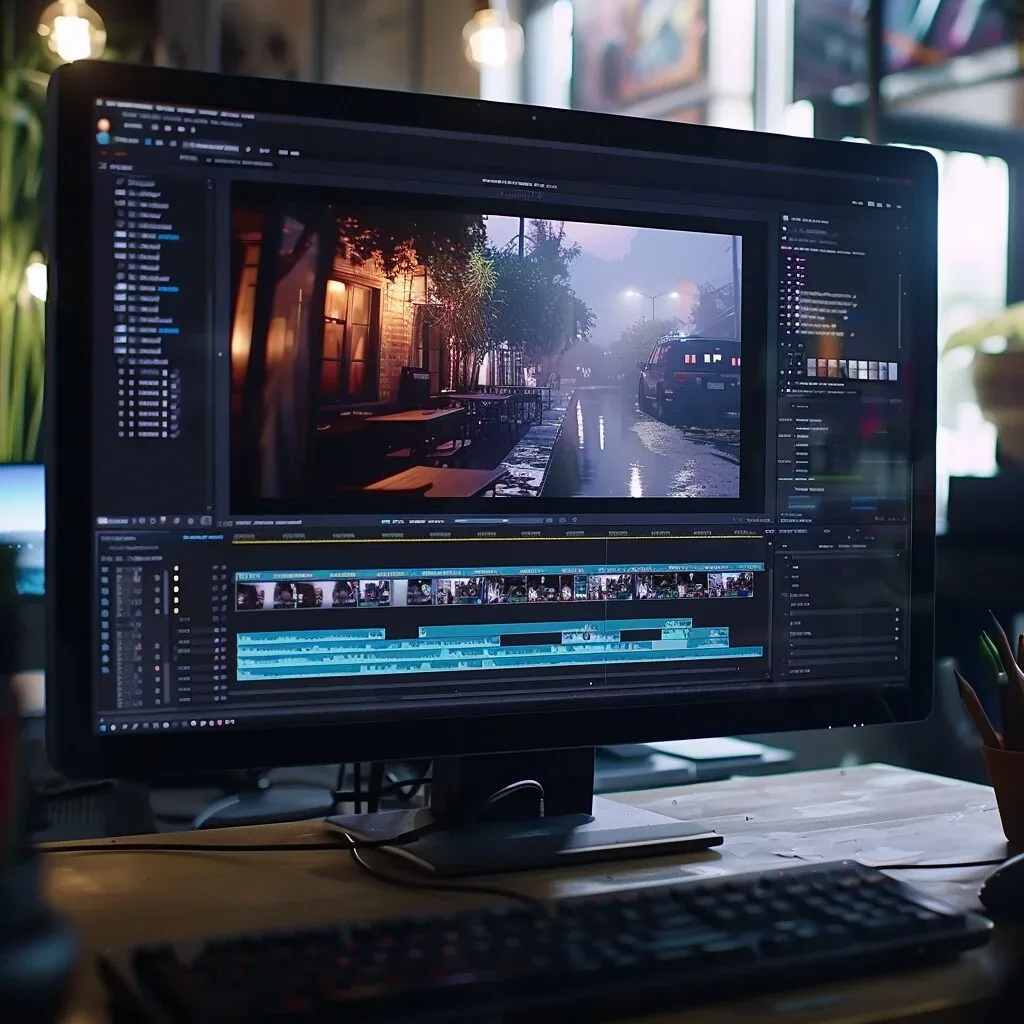
Take a short ad for a neighbourhood bike repair shop. A mechanic hands a repaired bike to a commuter, who rides off at sunset. The client loves the handoff but wants brighter daylight and a different street. Here’s how to revise without losing what worked.
Step 1: Lock What Was Approved
Name the moment the client liked: the handoff shows care and competence better than any voiceover. Write a preservation list: bike colour, shop sign, mechanic’s clothing, the handoff gesture and the commuter’s direction of travel. Save the exact prompt used for the reference, so nothing depends on memory.
Separate message from styling. The ad is about dependable repair; sunset was just one way to show warmth. Daylight can carry the same message.
Step 2: Change One Variable at a Time
- Revision one: switch to late-morning light; keep the street, gesture and camera position.
- Revision two: keep daylight, change the street. Describe visible details such as a bike lane, storefronts and a few pedestrians, not “a better city.”
- Revision three (if needed): refine the closing frame on the shop sign.
Treat each turn as a question: does daylight make the service feel more approachable? You can only answer if you know what changed.
Step 3: Keep a Revision Ledger
| Version | Requested change | Preserved | Result | Unintended changes |
|---|---|---|---|---|
| v1 | Original sunset | – | Warm, handoff clear | – |
| v2 | Sunset to late morning | Handoff, camera, street | Commuter clearer | Shop sign weaker |
| v3 | New street | Daylight, handoff | Fits neighbourhood | Jacket colour shifted |
Log drift such as a jacket changing colour or the bike moving early as review findings, not creative choices. Polished output can hide errors.
Step 4: Fix the Base First
Sequence edits: background, then light, then the closing frame. Don’t use a later prompt to patch a problem in the core action; get the handoff right before polishing.
Step 5: Know When to Stop
Stop once a version answers the client’s request. Extra background swaps or camera flourishes pull the clip away from the approved message.
Step 6: Present Clearly
- Show two or three labelled versions side by side: original, daylight, daylight with new street.
- Ask brief-based questions. Is the handoff clear? Does the street fit? Is it recognisably the same bike?
- Watch at normal speed first. A strong still can fail in motion.
- If the client picks an imperfect version, record both the approved direction and the remaining fix.
Writing the Final Brief
Include the accepted reference, preservation list, chosen setting, one remaining improvement and a short version history. Phrase it in shot language: “Maintain the bike handoff at the shop door; late-morning light; commuter exits frame right; close on the shop sign.”